Submission analytics
Submission analytics that show where your waivers come from
See how many waivers you’re collecting and where they come from, so you can tell which forms and links are doing the work.
No card needed, and you’ll be signing waivers within minutes.
- Totals and a daily trend on Starter
- Breakdowns by form and share link on Pro and Business
Your last 30 days at a glance
- Total submissionsEvery waiver started
- CompletedThe ones people actually finished
- Daily trendWhen your busy periods really fall
- By formTotal and completed for each waiver
- By share linkEach link’s label, form, use count and whether it’s still active
- Works with no signal
- UK company, UK and EU data
- iPhone, iPad and Android apps
- Free for 25 waivers a month
Make each busy day run better than the last
Your figures earn their keep just before and just after a busy period.
-
Know who has signed ahead
Sent a pre-arrival link a week before an event? The link figures show whether people are signing in advance, so you know how many will fill it in at the gate.
Share links and QR codes -
Check against your bookings
After the event, the completed count is a quick check against your booking numbers.
-
Spot a form that puts people off
A big gap between started and completed submissions is a sign a form is too long or confusing.
See how one event went on its own
Pick a collection and every figure is limited to that one event, site or job, so a busy weekend doesn’t blur into one total.
Collections for events and jobs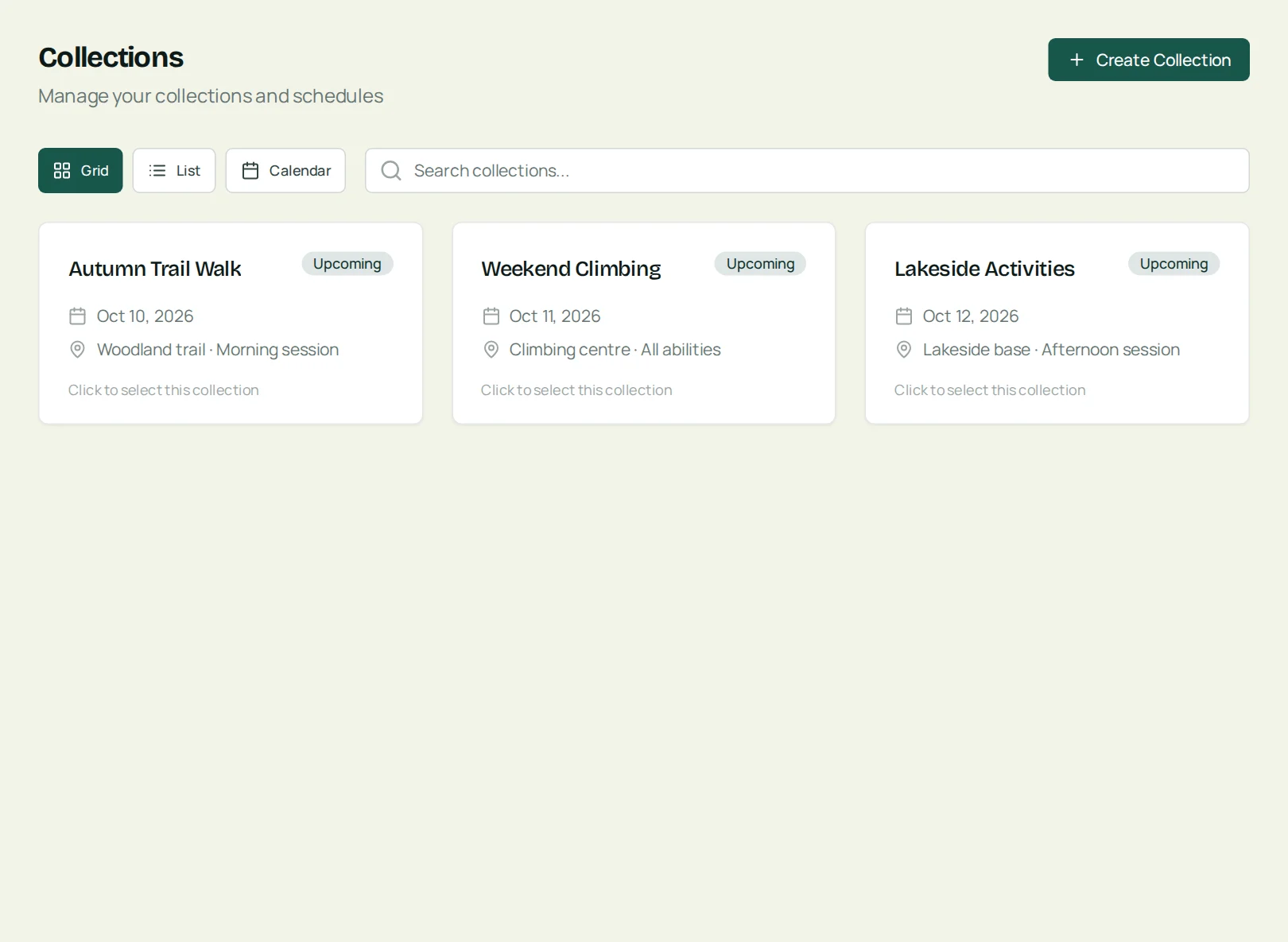
Good to know before you check your figures
- Analytics on every paid planAnalytics comes with Starter and every plan above it. Compare what each plan includes on plans and limits or see prices.
- Offline waivers added as they syncFigures update as submissions reach FieldWaiver, so waivers taken on an offline device join the totals the moment they upload.
- Dig deeper in a spreadsheetAn organisation owner can export submissions as a CSV file and work with every record in a spreadsheet.
Questions people ask
Something else? Ask us and we’ll reply within one working day, usually the same day.
How far back do the figures go?
The summary covers the last 30 days. For a longer history, an organisation owner can export submissions as a CSV file and analyse them in a spreadsheet.
Can I see the numbers for one event only?
Yes. Choose the collection for that event in the collection selector and every figure on the page is limited to it.
Are offline submissions included?
Yes, once they sync. A submission saved on a device without a connection is counted when it reaches the server.
Support
Help from a UK team, whenever you need it
Ask from any screen in the app and we reply within one working day, usually the same day. Free plan included.
Switch without starting from scratch
Send us the paper, PDF or Word waiver you use now and we’ll set it up as a form for you, free.
Find out which waivers and links really work
Start free, then switch on analytics when you move up to Starter or above.
Free for 25 waivers a month for as long as you like, with no card needed.