Webhooks and API
Webhooks and an API that send a waiver for every booking
Your booking system asks FieldWaiver for a waiver and hears back the moment it’s signed. The REST API reads and writes your forms, collections, share links, signing requests, submissions and signed PDFs.
- Works with Zapier, Make and any app that can make a web request
- An OpenAPI description to build from
- Your booking reference on every signed waiver and webhook
# Your booking system creates a signing request
Idempotency-Key   booking-1042
customer          Sam Taylor, sam@example.com
reference         booking-1042

# Sam signs on a personal, single-use link

# FieldWaiver tells your system straight away
FieldWaiver-Signature   HMAC-SHA256 of timestamp and body
reference booking-1042- Works with no signal
- UK company, UK and EU data
- iPhone, iPad and Android apps
- Free for 25 waivers a month
A waiver for every booking, and a list for every session
A booking comes in and your system, or a Zapier or Make step, asks FieldWaiver for a signing request. Your customer gets a personal, single‑use link with their details already filled in, emailed by FieldWaiver if you like, and your booking is marked signed the moment they finish.
- Retries are safe. Send the booking id as an
Idempotency‑Keyand nobody gets a second link or email. - Phone numbers arrive right in any common format, so
07700 900123shows as a UK number. - Send each session’s attendee list as often as bookings change. Nobody is added twice.
- Ask who still needs to sign, or be told when someone signs or is checked in. It’s the same list your staff tick off in the app.
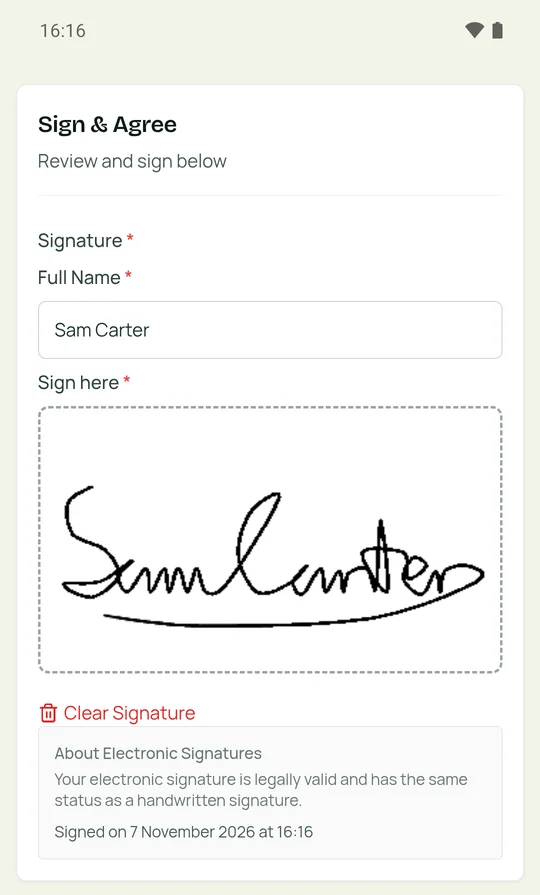
Signed waivers land in your own systems
List submissions with every answer, keyed by field so they map cleanly in Zapier or Make, and download the signed PDF for any of them.
- Find a signed waiver by your own booking reference.
- Ask for everything that changed since your last check, so a nightly sync never misses one.
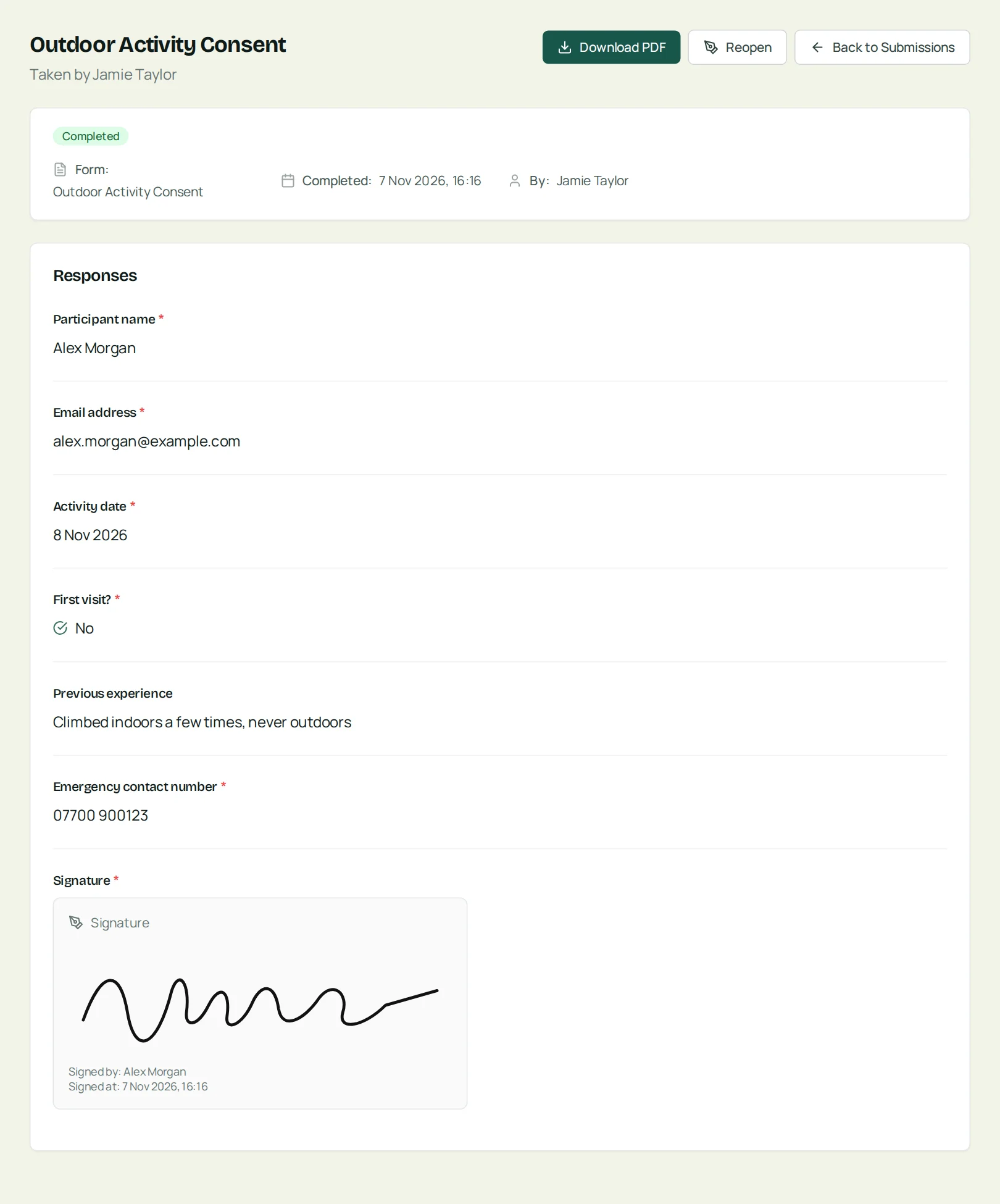
Webhooks you can trust with your bookings
-
Told about every change
A JSON event when a waiver is signed or changed, when a signing request is created or signed, and when someone on a participant list signs or is checked in.
-
Set up your way
Add a webhook in Settings, or let your Zapier or Make step subscribe through the API.
-
Proof it came from FieldWaiver
Each event carries a
FieldWaiver‑Signatureheader, an HMAC‑SHA256 of the timestamp and body keyed with a secret only you and FieldWaiver hold. The docs include ready-made checks in Node.js and Python. -
Retries for about two days
If your endpoint doesn’t answer, FieldWaiver tries again after 1 minute, 5 minutes, 30 minutes, 2 hours, 6 hours, 12 hours and 24 hours.
-
A delivery log in Settings
Every delivery and its result shows in the webhook’s delivery log.
-
Handle each event once
A retry carries the same event id, so your system can safely ignore one it has already handled.
Connect your first system in three steps
-
Create a key
In FieldWaiver, open Settings, then API and webhooks, and create a key.
-
Follow the quick start
Use the quick start in the developer docs to check it works and find your form’s id.
-
Try a test booking
Create a signing request for a test booking, or add a webhook and press Send test.
Good to know before you connect
- Every paid planThe API and signed webhooks are included with every paid plan, from Starter up. See plans and limits.
- Owners control the keysOrganisation owners create, name and revoke keys, either read only or read and write.
- One organisation per keyA key can only ever see its own organisation’s records. Ask for anything else and the answer is "not found".
- Shown once, stored as a fingerprintEach key is shown once, stored only as a fingerprint, and shows when it was last used.
- 120 requests a minute per keyEach key has its own limit, so one busy integration never slows down another.
Questions people ask
Something else? Ask us and we’ll reply within one working day, usually the same day.
Can the API create records?
Yes, with a read and write key. It creates collections, share links and signing requests, adds people to a collection’s list and checks them in. Signed waivers themselves are only ever created by the person signing.
Can I connect FieldWaiver to my booking system?
Yes. If your booking system can send a webhook or work with Zapier or Make, it can create a signing request for each booking. See every way to connect.
Can I send only some submissions to a webhook?
Yes. Use a form automation with conditions and a webhook action. For signed events with retries and a delivery log, use a webhook in Settings.
Support
Help from a UK team, whenever you need it
Ask from any screen in the app and we reply within one working day, usually the same day. Free plan included.
Switch without starting from scratch
Send us the paper, PDF or Word waiver you use now and we’ll set it up as a form for you, free.
Stop copying waivers between systems by hand
Start free to build your waiver, then connect your booking system with the API and webhooks on any paid plan from £12 a month.
No card needed to start. Your API keys and webhooks switch on the moment you move up.