Multi-device collection
Multi-device collection that keeps a big queue moving
Spread check-in across as many tablets and phones as you need, so the queue keeps moving. Every waiver ends up in one submissions list, with no spreadsheets to merge afterwards.
No card needed, and you’ll be signing waivers within minutes.
- Each device works offline on its own
- Staff sign in on any phone or tablet

- Works with no signal
- UK company, UK and EU data
- iPhone, iPad and Android apps
- Free for 25 waivers a month
Open another lane the moment the coach party arrives
A single desk becomes a queue as soon as a coach party or school group turns up. Mix the ways people sign so the line keeps moving.
-
Staff tablets and phones
Each member of staff signs in on the device they’re using, and it keeps its own copy of the forms and collections they can access.
-
Customers’ own phones
A share link or QR code lets anyone who can sign on their own phone skip the desk altogether.
Share links and QR codes -
A self-service kiosk
Put a tablet in kiosk mode beside your staff devices and let people sign themselves in.
Kiosk mode
Every device lands in one list, ready to search
Each waiver is created as its own record on the device that captured it, so two tablets collecting at the same moment never clash. Once synced, everything sits together in one submissions list.
- While devices are online, changes from one appear on the others without a refresh.
- Every device shows a count of waivers still waiting to upload.
- Each device sends its waivers as soon as it has a connection.
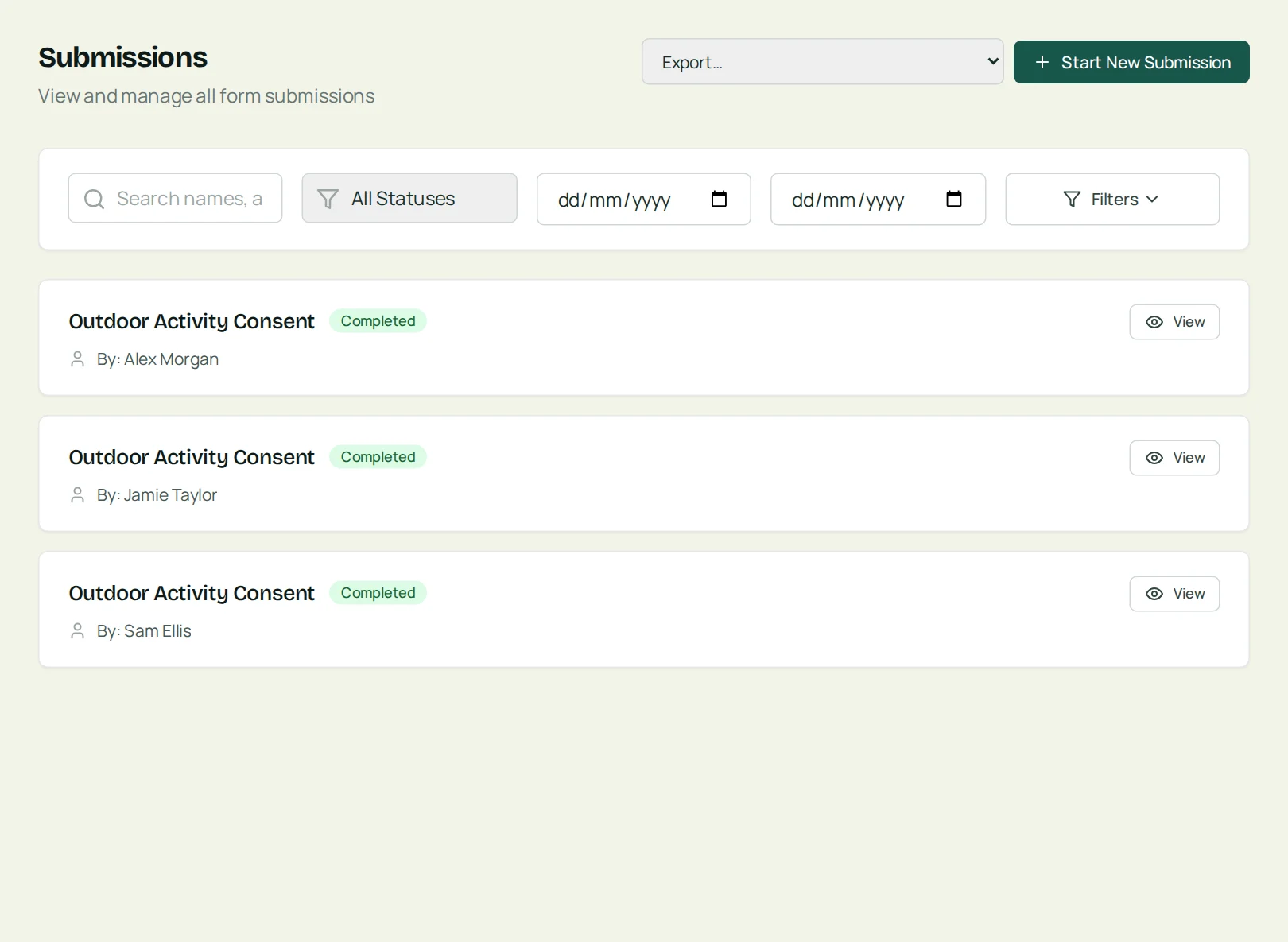
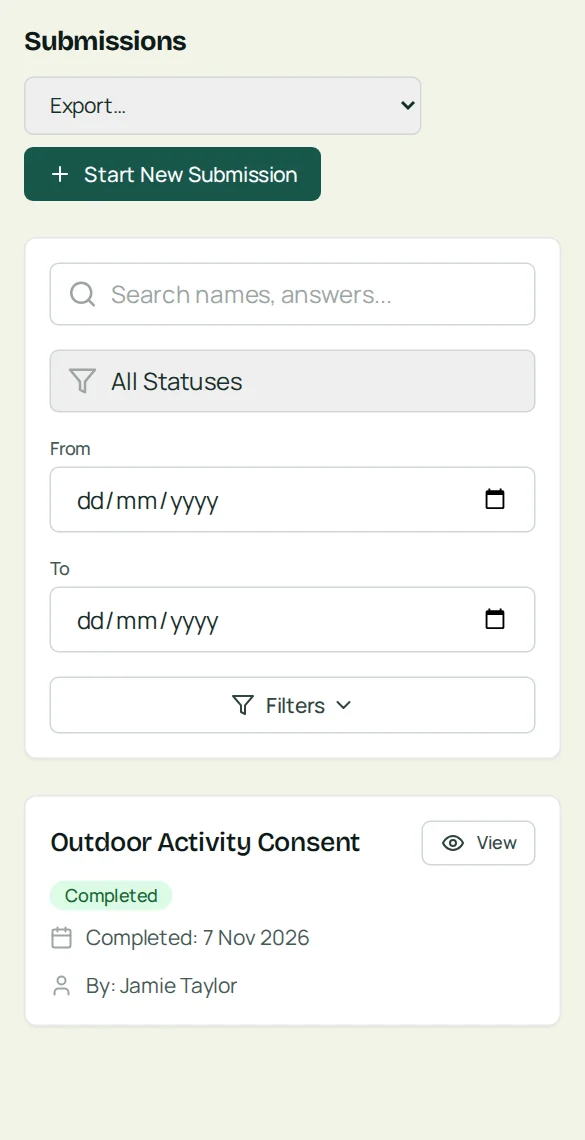
Set up several check-in points before the doors open
-
Add your staff to the event
Add them as users and assign them to the collection for the event.
-
Sign in on every device
Do it while you have a good connection, then open the forms and check they load. Installing FieldWaiver as an app means it opens from the home screen.
-
Collect at each point
Devices that lose signal keep working, as offline collection is built in.
-
Check before you pack up
Make sure each device shows nothing waiting to upload.
Good to know before you add more devices
- As many devices as you likeAdd as many devices as you like. Plans include 1 user on Free, 3 on Starter, 10 on Pro and unlimited on Business. See prices.
- Staff see their own eventsEach of your team sees only the collections they are assigned to.
- Share links need no sign-inCustomers open your public share link and sign on their own phone, with no staff sign-in needed.
- Kiosk tablets need no user placeA kiosk uses an existing sign-in, so it needs no user of its own, and it works offline.
Questions people ask
Something else? Ask us and we’ll reply within one working day, usually the same day.
Do all the devices need to be online at the same time?
No. Each device syncs whenever it has a connection, and the records join up on the server.
Can one staff member use two devices?
Yes. Sign in on both. Each device keeps its own local copy and syncs independently.
Can a tablet collect without a staff login?
Yes, by opening a public share link. For a desk tablet, sign it in once and put your form into kiosk mode. People sign one after another, it works offline and only your PIN gets back into the app.
Support
Help from a UK team, whenever you need it
Ask from any screen in the app and we reply within one working day, usually the same day. Free plan included.
Switch without starting from scratch
Send us the paper, PDF or Word waiver you use now and we’ll set it up as a form for you, free.
Open more check-in lanes on your next busy day
Sign in on as many devices as you need and watch every waiver land in one list.
Free for 25 waivers a month for as long as you like, with no card needed.