Exports and PDF records
Export your waivers as a spreadsheet or PDF records whenever you need them
Download any form’s submissions as a CSV spreadsheet or as a ZIP with one PDF per signed waiver, photos embedded, for a single event or everything.
No card needed, and you’ll be signing waivers within minutes.
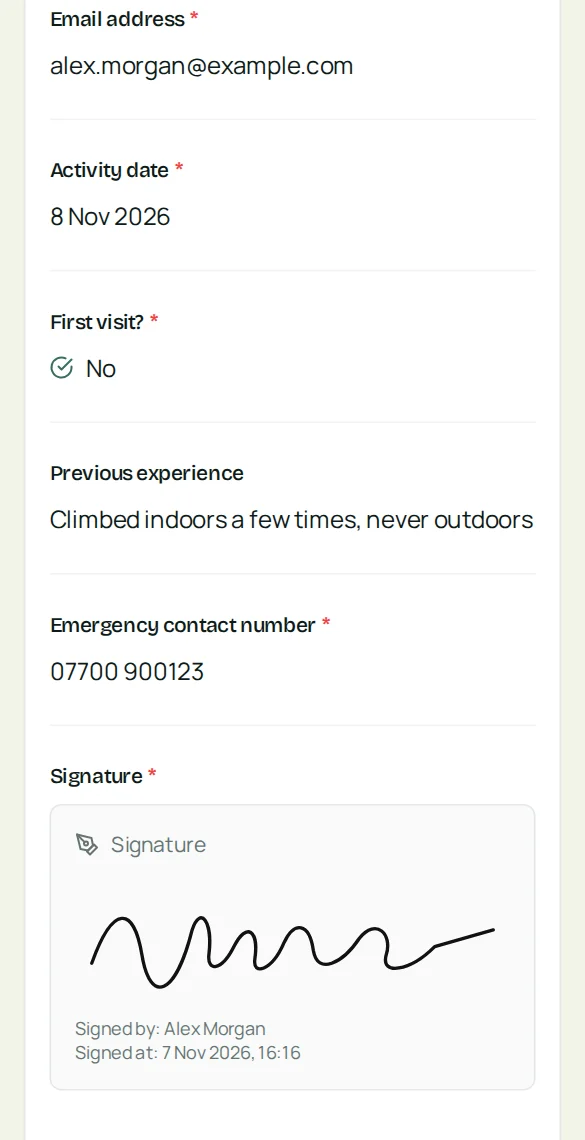
- Download any single signed waiver as a PDF on a phone, tablet or computer
- A whole-organisation JSON export for owners
- Works with no signal
- UK company, UK and EU data
- iPhone, iPad and Android apps
- Free for 25 waivers a month
Records in the shape each job needs
-
A spreadsheet of every submission
The CSV gives one row per submission and one column per question, plus its status, start and completion times and collection. Repeatable group answers stay together in the group’s own column.
-
A PDF for every signed waiver
The ZIP holds one PDF per completed submission, named by completion date, with each group entry listed.
-
Who signed what, and when
A signing record across every form, as a PDF or spreadsheet.
The signing record
Hand over the signed forms for any event
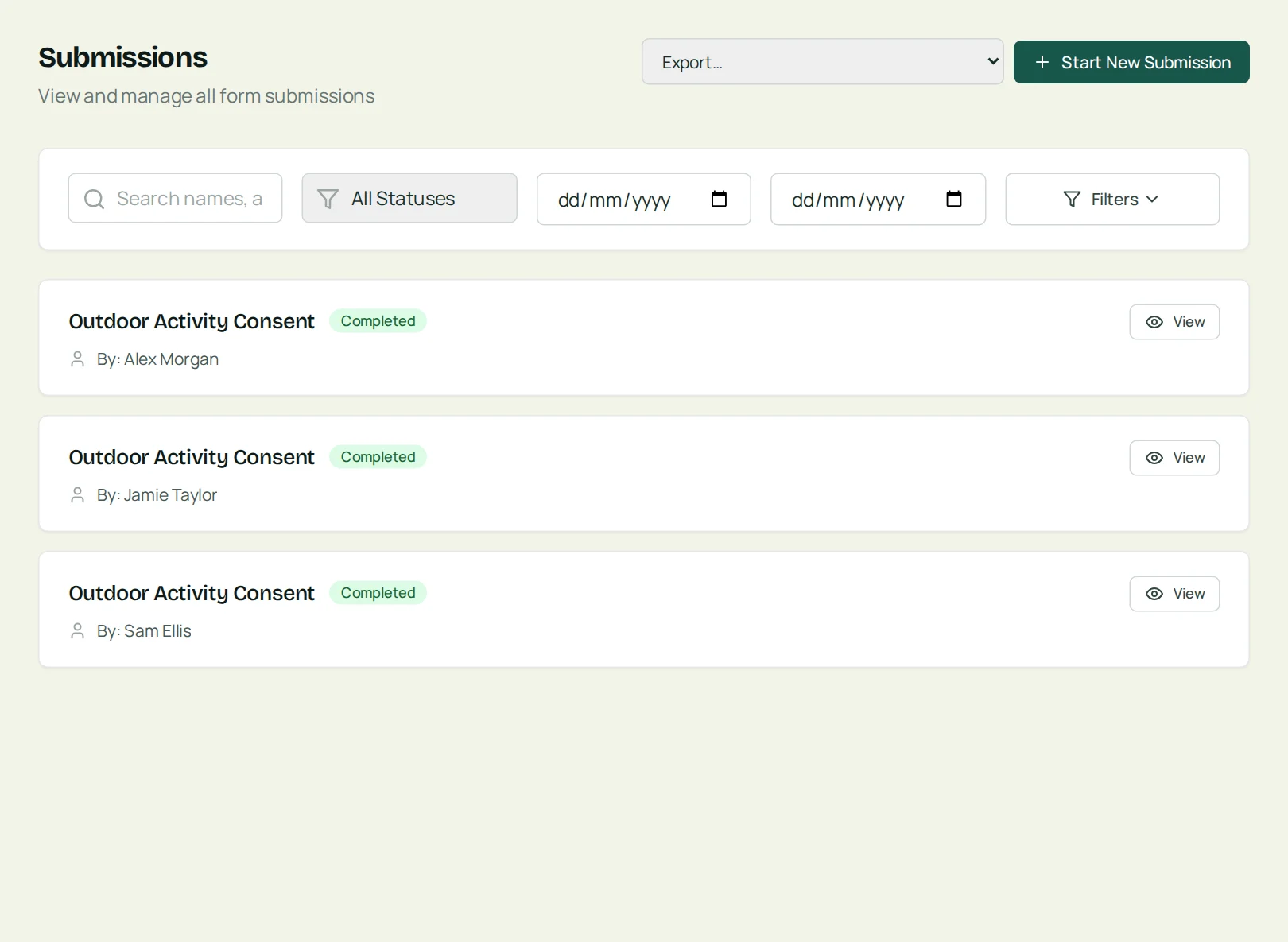
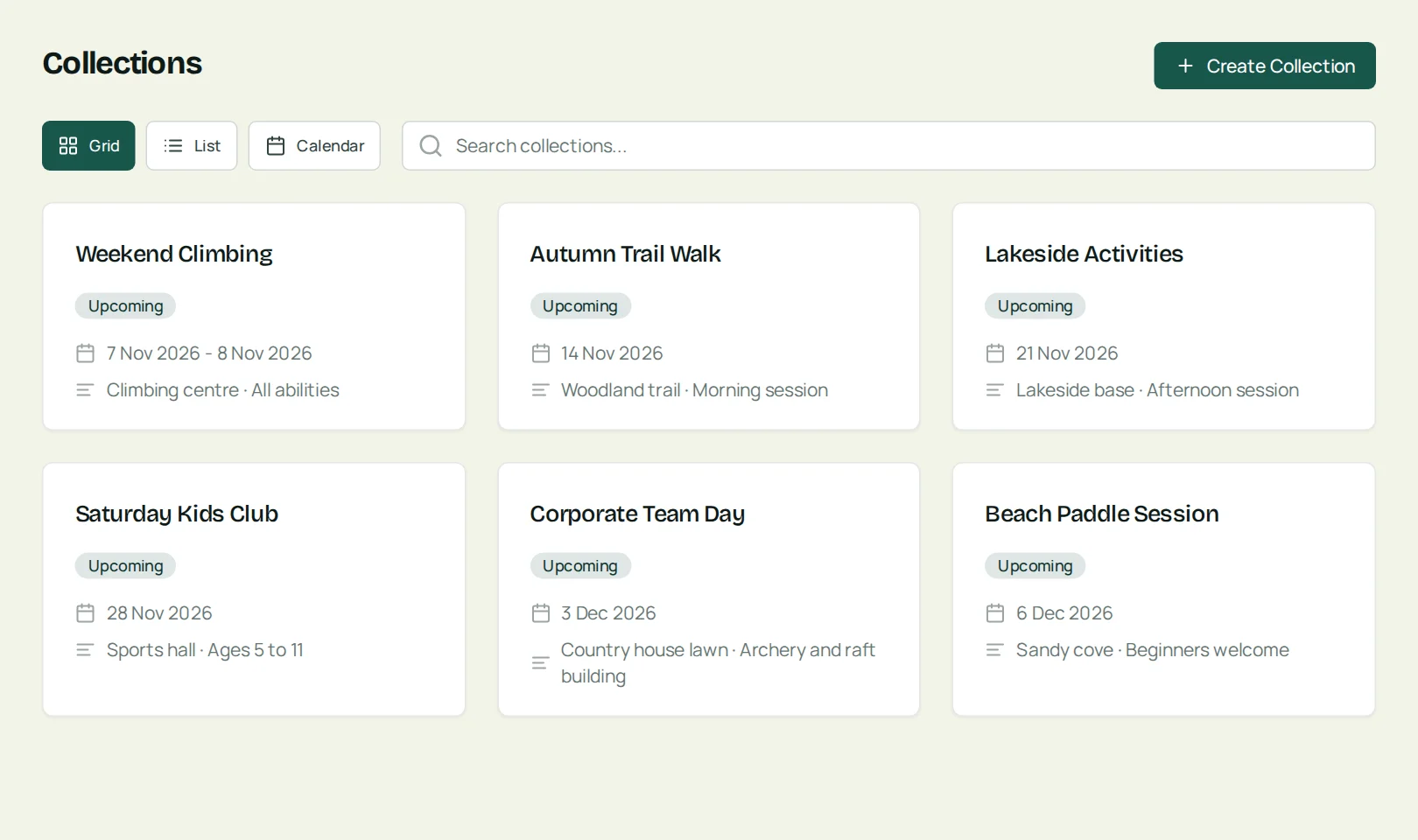
Both exports follow the collection you select, so you can export a single event or job. Give a client the signed forms for their event, keep an offline copy at the end of the season, or answer a question about one participant.
- Want PDFs to arrive by themselves? Switch on PDF attachments in a form’s notification settings, or offer participants a receipt.
Get your records out from the Submissions page
-
Open Submissions
Sign in as an organisation owner and open Submissions.
-
Pick the event
Select a collection if you only want one event or job.
-
Choose CSV or ZIP
Open the export menu, choose the form, then the format.
-
File it
Save it to your own records system or send it to whoever needs it.
Good to know before you export
- Owners control exportsOrganisation owners export your records, so copies stay with the person responsible for them.
- Which submissions are includedThe ZIP holds a PDF of every completed submission, and the CSV includes every status.
- Every photo accounted forThe ZIP lists any photo still on its way from a device, so you always know your records are complete.
Questions people ask
Something else? Ask us and we’ll reply within one working day, usually the same day.
Who can export submissions?
Organisation owners, so exports stay with the person responsible for your records.
Are unfinished forms included?
They appear in the CSV with their status, and the ZIP holds a PDF of every completed submission.
Can I get data out automatically instead?
Yes. Use webhooks to post each completed submission to another system, or the REST API, both on every paid plan. See webhooks and API access.
You may also need
Support
Help from a UK team, whenever you need it
Ask from any screen in the app and we reply within one working day, usually the same day. Free plan included.
Switch without starting from scratch
Send us the paper, PDF or Word waiver you use now and we’ll set it up as a form for you, free.
Keep every signed waiver ready to hand over
Start free and export your records whenever a client or participant asks.
Free for 25 waivers a month for as long as you like, with no card needed.