Form automations
Form automations that tell the right person when an answer needs action
A medical condition or an under-18 shouldn’t sit unnoticed in a list. Set a rule once and FieldWaiver emails the right person, or sends the waiver to another system, whenever a signed form matches.
No card needed, and you’ll be signing waivers within minutes.
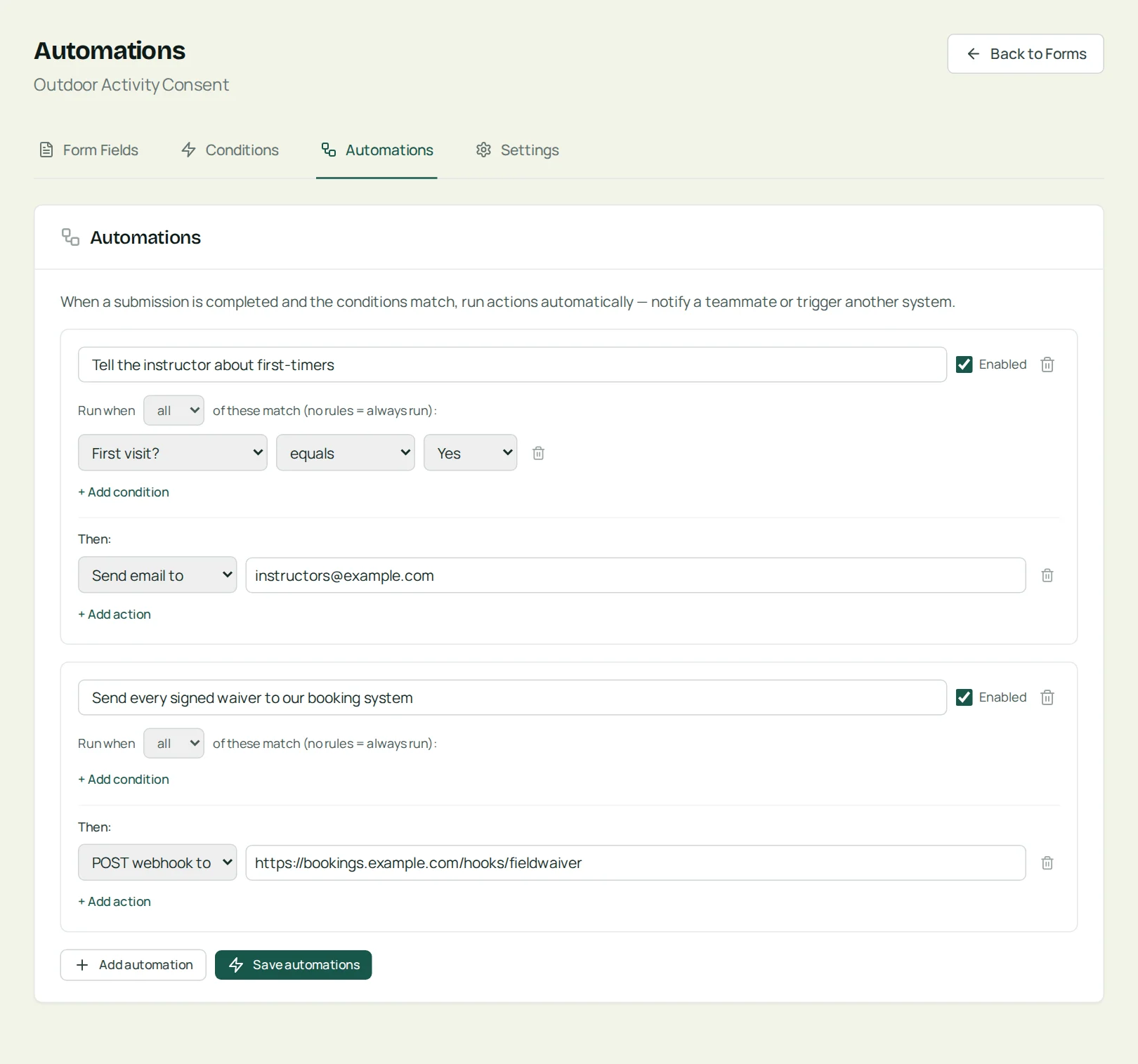
- Several automations on each form
- Each one switched on or off on its own
- Works with no signal
- UK company, UK and EU data
- iPhone, iPad and Android apps
- Free for 25 waivers a month
Put each answer in front of the person who deals with it
-
Medical answers reach first aid
A yes to a medical question can alert your duty first-aider.
-
Under-18s flagged to the right manager
An under-18 answer can notify the manager responsible for supervision.
-
Big groups go to bookings
A large group size can go straight to whoever handles bookings.
An email your team can act on straight away
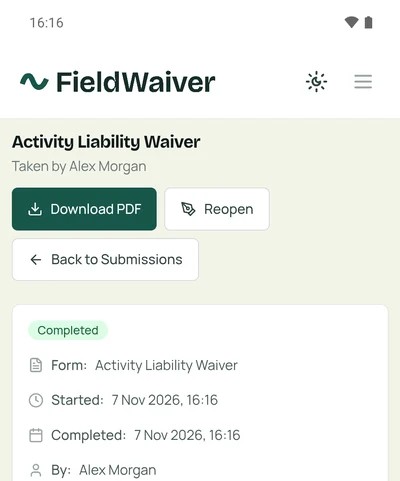
Each email sums up the answers in a table, with signatures shown as “Signed” rather than as an image, and links straight to the full record in the app.
Email notifications and receipts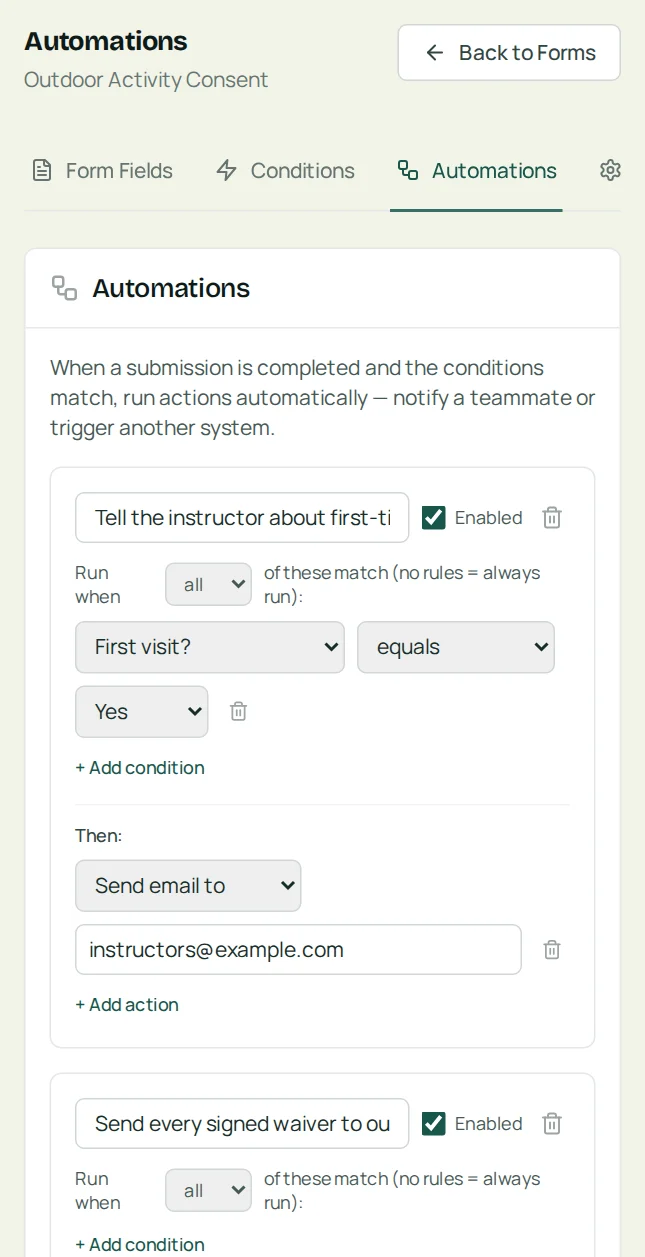
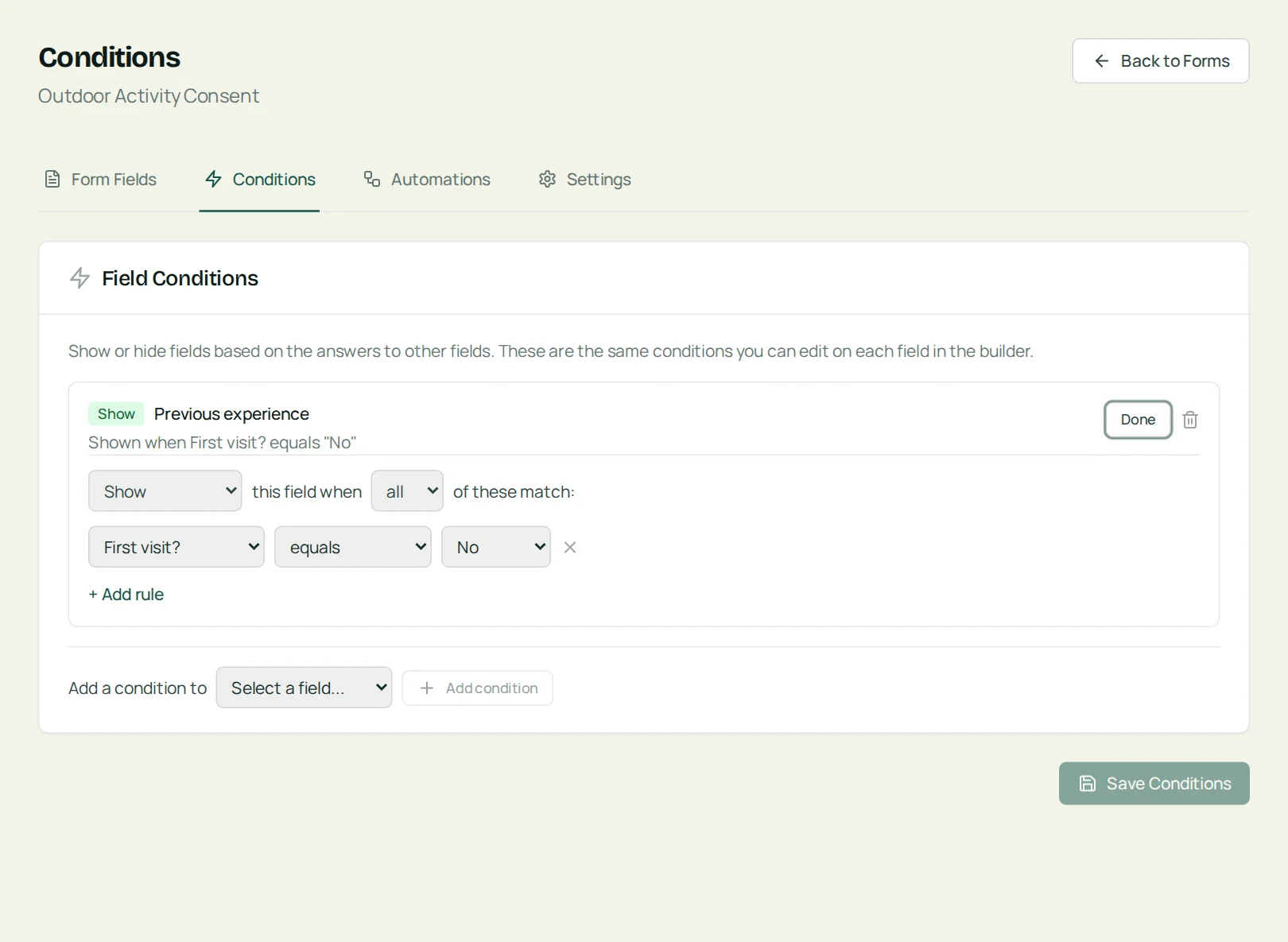
Write rules around the answers that matter
Automations use the same rules as conditional logic. Test an answer with equals, contains, is empty, is greater than, is between, or is before or after a date.
- Match all of your conditions, or any one of them
- Leave the conditions out and it runs on every completed waiver
- Post the answers as JSON to a webhook so another system can pick them up
Set up your first automation
-
Give it a name
Open the form’s automations, add one and name it clearly, such as Medical follow-up.
-
Add a condition
For example, “Do you have any medical conditions? equals Yes”.
-
Choose what happens
Add an email address to notify or a webhook address to post to.
-
Test it
Save, complete a test submission and check the email or webhook arrives.
Good to know before you switch one on
- Offline waivers trigger as they uploadFor forms filled in on an offline staff device, automations run as soon as the full submission, answers and photos included, reaches FieldWaiver.
- Retries when you need themAutomation webhooks send each match straight away. For automatic retries and a delivery log, add the form-level webhook as well.
- Webhooks come with every paid planCompare plans on prices.
Questions people ask
Something else? Ask us and we’ll reply within one working day, usually the same day.
Can an automation do more than one thing?
Yes. Each automation can have several actions, so one match can email two people and post to a webhook.
Can I pause an automation without deleting it?
Yes. Each automation has its own on and off switch.
Do automations run for unfinished forms?
Automations check completed submissions only, so nobody is emailed about a half-filled form.
You may also need
Support
Help from a UK team, whenever you need it
Ask from any screen in the app and we reply within one working day, usually the same day. Free plan included.
Switch without starting from scratch
Send us the paper, PDF or Word waiver you use now and we’ll set it up as a form for you, free.
Never miss an answer that needs acting on
Start free and set up your first automation on your own waiver today.
Free for 25 waivers a month for as long as you like, with no card needed.