Team access and roles
Team access that gives each person only what their job needs
Every member of your staff gets their own sign‑in, and you decide what each person can see and do. Owners run the account and members do the collecting.
No card needed, and you’ll be signing waivers within minutes.
- Owner and Member roles, changed any time by an owner
- More than one owner if you need it
- One login for several organisations

- Works with no signal
- UK company, UK and EU data
- iPhone, iPad and Android apps
- Free for 25 waivers a month
Owners run the account, members do the collecting
- Collect waivers online or offline
- Owner
Yes - Member
Yes, in their assigned collections - See submissions
- Owner
Every collection in the organisation - Member
Only in their assigned collections - Add or remove members and change roles
- Owner
Yes - Member
No - Create share links
- Owner
Yes - Member
No - Export submissions
- Owner
Yes - Member
No - Manage billing
- Owner
Yes - Member
No - Manage API keys (paid plans)
- Owner
Yes - Member
No
Owners can also mark a resubmitted record as superseded and view the activity log.
Each person sees only the events they work on
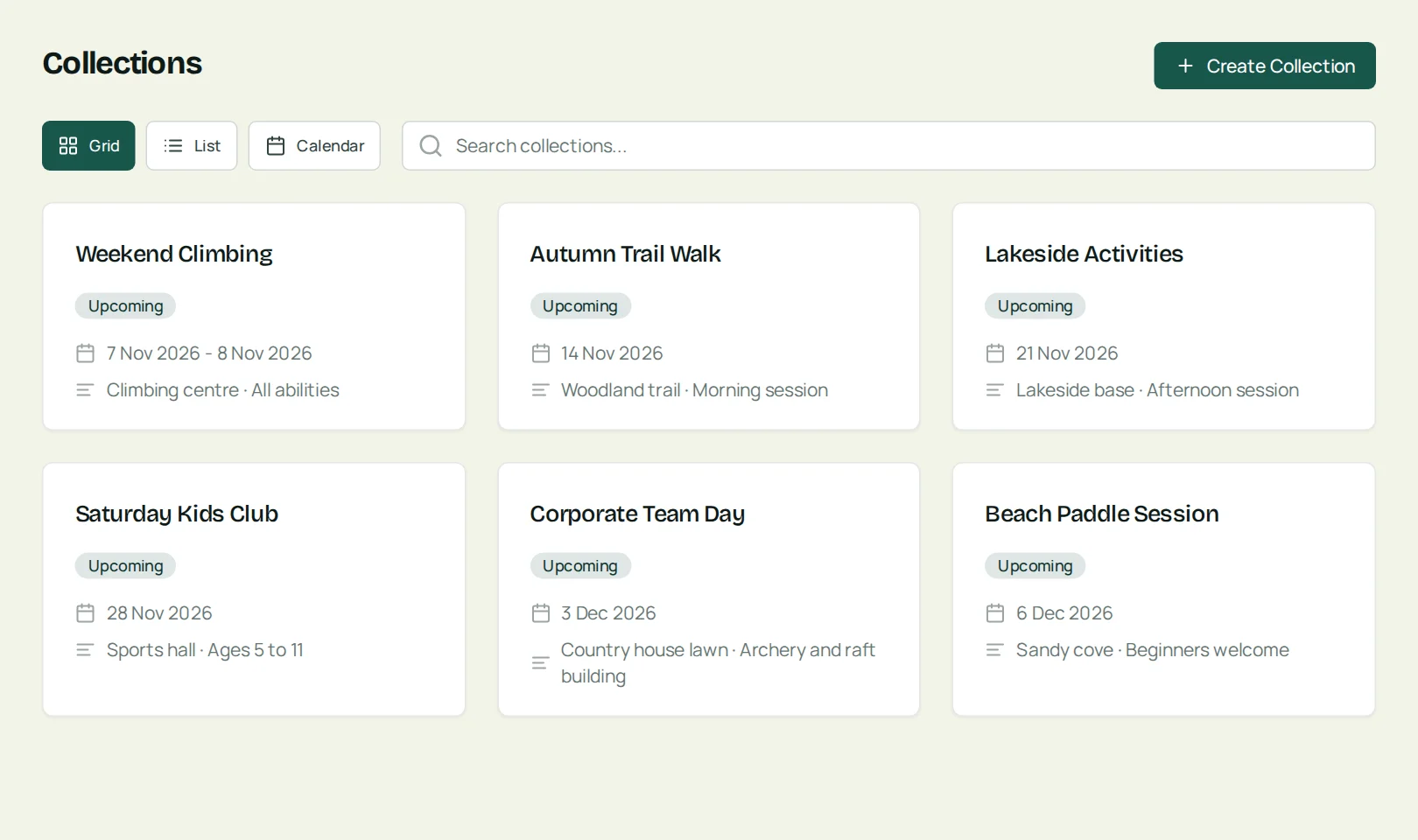
Assign members to the collections they work on, and that is all they see. A seasonal worker on one site never scrolls through another site’s customers.
- Read how we protect your records on the security page, and handle data requests with the GDPR tools.
Get your team ready before the first event
-
Add your staff
Add each staff member to your organisation as a Member.
-
Choose your owners
Make one or two trusted people Owners.
-
Assign the work
Assign members to the collections they will work on.
-
Sign in while connected
Ask each person to sign in on their own device before the event, while they have signal.
Good to know before you add your team
- Users per plan1 on Free, 3 on Starter, 10 on Pro and unlimited on Business. Compare plans and limits.
- Password or magic linkPasswords need at least 10 characters. Magic links arrive by email and expire after 15 minutes.
- Trusted devices for 30 daysA trusted device can be remembered for 30 days, and repeated failed sign‑in attempts are rate‑limited.
- Remove leavers when they goTake people out of your organisation when they leave, so their access ends with their job.
Questions people ask
Something else? Ask us and we’ll reply within one working day, usually the same day.
Can an organisation have more than one owner?
Yes. Any member can be changed to an owner, and back again.
Does a kiosk tablet need its own user?
No. Sign the tablet in with an account you already have and start kiosk mode. A public share link needs no sign-in at all.
Can one person work for two organisations?
Yes. One login can belong to several organisations, and the user switches between them in the app.
You may also need
Support
Help from a UK team, whenever you need it
Ask from any screen in the app and we reply within one working day, usually the same day. Free plan included.
Switch without starting from scratch
Send us the paper, PDF or Word waiver you use now and we’ll set it up as a form for you, free.
Give your whole team the right access from day one
Start free, then add staff as your plan grows.
Free for 25 waivers a month for as long as you like, with no card needed.