Collections
Collections that keep every event and job in its own place
Keep each event, site or job separate, so your staff only see what they work on and you can hand a client their signed forms in one export.
No card needed, and you’ll be signing waivers within minutes.
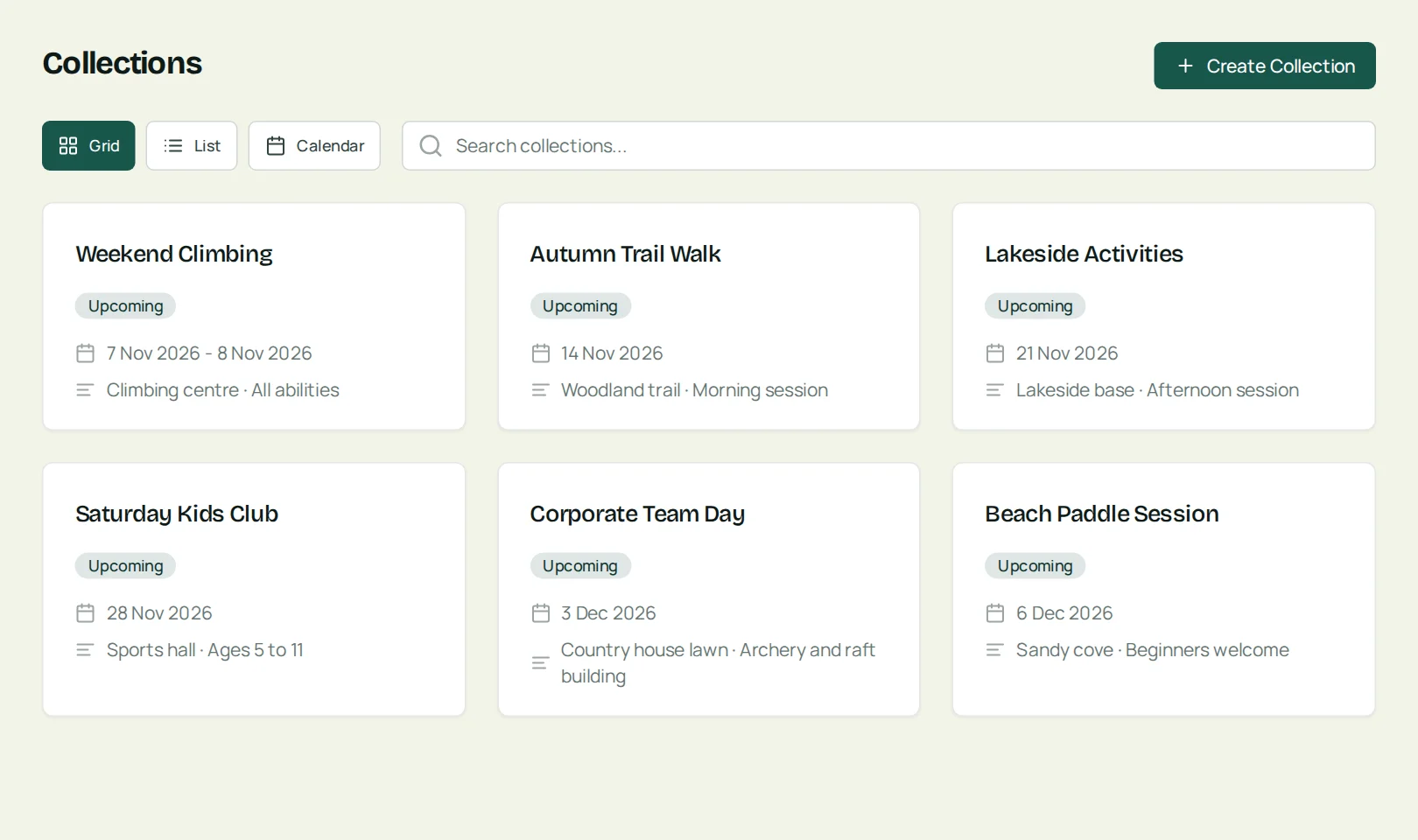
- Grid, list and calendar views
- Unlimited collections on every plan
- Works with no signal
- UK company, UK and EU data
- iPhone, iPad and Android apps
- Free for 25 waivers a month
Every waiver lands under the right event
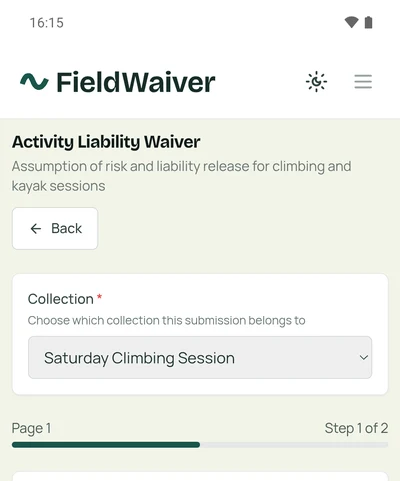
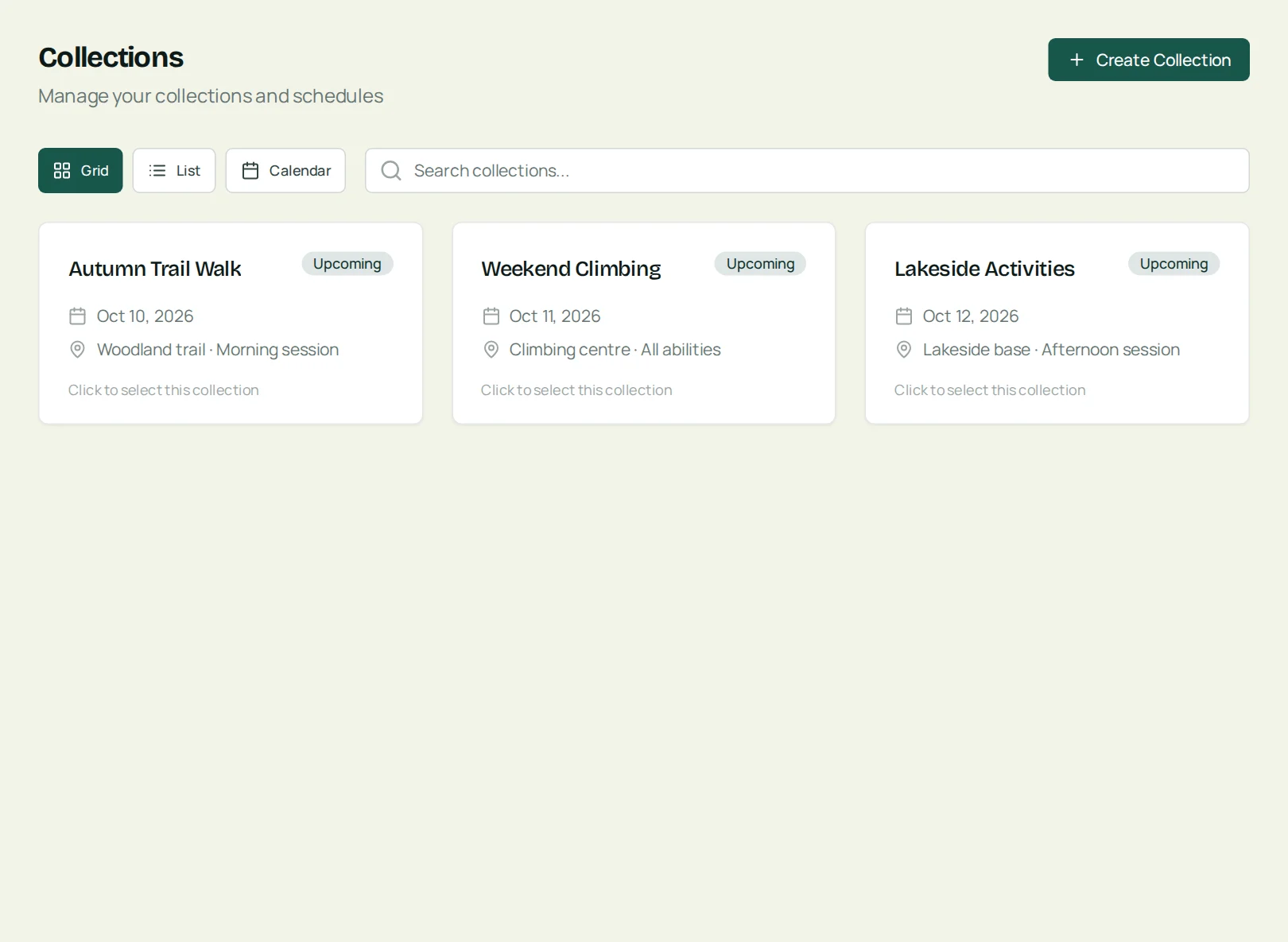
A collection is one event, one venue, one site visit or one job. Every submission belongs to a collection and every public share link points at one, so records arrive already sorted.
- Add optional start and end dates and a whole season of events sits on the calendar
Run several things at once without mixing them up
A weekend of events, a fixed venue plus off-site bookings, or jobs for different clients each stay in their own place.
-
Staff see only their events
Seasonal staff and contractors see the collections they’re assigned to, and nothing else.
Team access and roles -
Owners keep the full picture
Organisation owners see every collection in the organisation.
-
One form, many events
Use the same waiver in more than one collection.
-
Hand a client their forms
Filter submissions or export a CSV or ZIP for one collection, rather than sifting through everything.
Exports and PDFs -
Figures for each event
Narrow your analytics to one collection to see how that event went.
Submission analytics -
Old events out of the way
Archived collections are hidden from members, so their list stays current.
Get an event ready before the day
-
Create the collection
Give it a clear title, plus dates if you want it on the calendar.
-
Assign the forms
Such as your activity waiver and a vendor form.
-
Assign the staff
Add the team members who will collect on the day.
-
Share a link
Create a share link that points at the collection if participants will sign on their own phones.
Questions people ask
Something else? Ask us and we’ll reply within one working day, usually the same day.
Do the dates open and close the collection?
Dates are for planning and the calendar view. To close public submissions on a date, give the share link an expiry date, or switch it off whenever you like.
Can the same form be used at several events?
Yes. Assign the form to each collection and its submissions stay separated by collection.
Do I need more than one collection?
If you run a single venue with one waiver, one collection is enough. Add more when you need to separate events or teams.
Support
Help from a UK team, whenever you need it
Ask from any screen in the app and we reply within one working day, usually the same day. Free plan included.
Switch without starting from scratch
Send us the paper, PDF or Word waiver you use now and we’ll set it up as a form for you, free.
Keep every event, site and job tidy from the first waiver
Start free, set up your first collection and assign your team.
Free for 25 waivers a month for as long as you like, with no card needed.