Group and family waivers
Group waivers that let one parent sign for the whole family
A parent fills in one form for themselves and every child, adding each one without starting again. Every child gets their own details and answers on the same waiver.
No card needed, and you’ll be signing waivers within minutes.
- Every child on one form
- A team captain can add each player the same way
- Works offline and on share links

- Works with no signal
- UK company, UK and EU data
- iPhone, iPad and Android apps
- Free for 25 waivers a month
Add every child without starting the form again
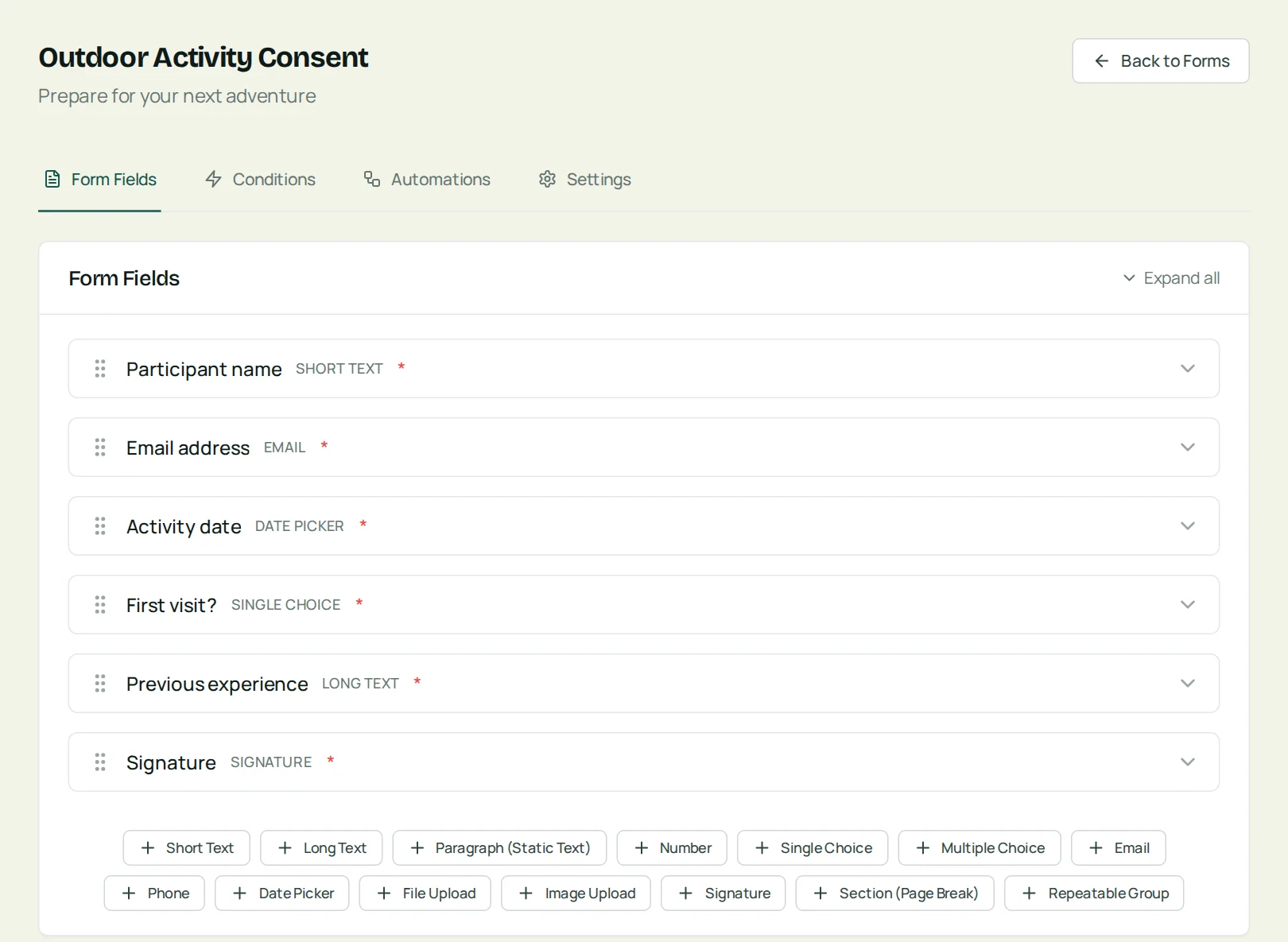
Put the questions that apply to each person inside a Repeatable Group, such as name, date of birth, medical notes or a signature. The person filling in the form sees one entry to start with and a button to add another.
- Any question type works inside a group, including signatures and photos.
- People add or remove entries as they go, within the minimum and maximum you set.
- Name each entry to suit you, such as “Child” or “Rider”, and word the add button your way.
Clear the desk faster when a family or party arrives
Families at a trampoline park, a birthday party at a climbing centre or a stag group at a paintball field all slow the desk down when each person starts a separate form. One person fills in one form instead, with everyone’s details in the same format.
-
Nothing missed for any child
Each entry is checked for required answers before the waiver can be submitted.
-
Everyone on the record
Every participant appears in the submission, its PDF, the CSV export and your notification emails.
Exports and PDFs -
Prefer each adult to sign for themselves?
Send everyone in the booking their own link instead, and see who is still missing.
See who has signed
Set up a family waiver before your next booking
-
Add a Repeatable Group
Give it a title such as “Participants”, then set the entry label, the add button wording and the minimum and maximum entries. The default is at least 1 and up to 20.
-
Move each person’s questions in
For every question that belongs to each participant, choose the group under “Inside repeatable group”.
-
Ask booking questions once
Keep questions about the booking as a whole, such as the lead contact’s email, outside the group.
-
Try it with a few entries
Fill it in with two or three entries before you go live.
Good to know before your first group booking
- One waiver against your allowanceA group submission counts as one submission in your month, however many entries it has. See plans and limits.
- Every entry on the recordFieldWaiver records exactly what was entered for each person in the group. Whether one adult can sign on behalf of others is a matter for your own legal advice.
Questions people ask
Something else? Ask us and we’ll reply within one working day, usually the same day.
Does each participant sign?
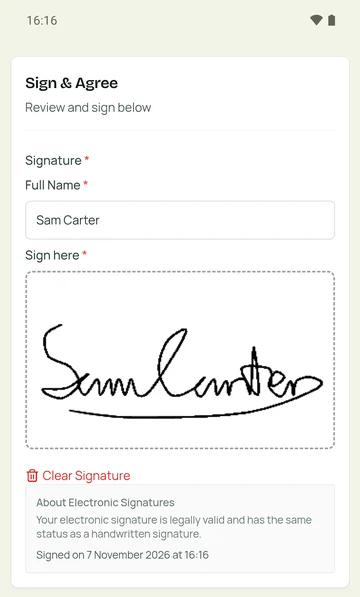
Only if you put a signature field inside the group. Then each entry has its own signature.
Can I limit the group size?
Yes. Set a maximum number of entries and the add button disappears when it is reached.
Does it work on offline devices and share links?
Yes. Repeatable groups work on staff devices, including offline, and on public share links.
Support
Help from a UK team, whenever you need it
Ask from any screen in the app and we reply within one working day, usually the same day. Free plan included.
Switch without starting from scratch
Send us the paper, PDF or Word waiver you use now and we’ll set it up as a form for you, free.
Sign the whole family in on one form
Build a group waiver free and try it with two or three entries before your next busy weekend.
Free for 25 waivers a month for as long as you like, with no card needed.