Email notifications and receipts
Get email notifications as waivers arrive, and give signers their own copy
Each form can email your team when a waiver is submitted or updated, and send the person who signed a PDF copy of what they agreed to whenever they ask for one.
No card needed, and you’ll be signing waivers within minutes.
- Photos included in the signer’s PDF
- Receipts carry your uploaded logo on every paid plan

- Works with no signal
- UK company, UK and EU data
- iPhone, iPad and Android apps
- Free for 25 waivers a month
Your team hears about every waiver as it lands
Ideal for small teams where the manager wants to see each waiver come in, or where the person who made the booking needs a copy.
-
Choose when you hear
Get an email for new submissions, for updates, or for both.
-
Send it to the right people
Notify a comma-separated list of addresses, the address entered in one of the form’s email fields, or both.
-
Everything in the email
Attach a PDF, set a reply-to address, and leave out empty answers so the email stays short.
Give every signer their own record
Receipts give people a copy of what they agreed to without your staff forwarding anything, which helps when someone later asks what they signed.
- When the form has an email field, signers see an “Email me a copy of my submission” tick box on the last page.
- The receipt goes to the first email address they entered. Staff completing a form on a device can tick the same option.
- Write your own subject and wording, with {{form_name}}, {{organisation_name}} and {{submission_date}} placeholders.
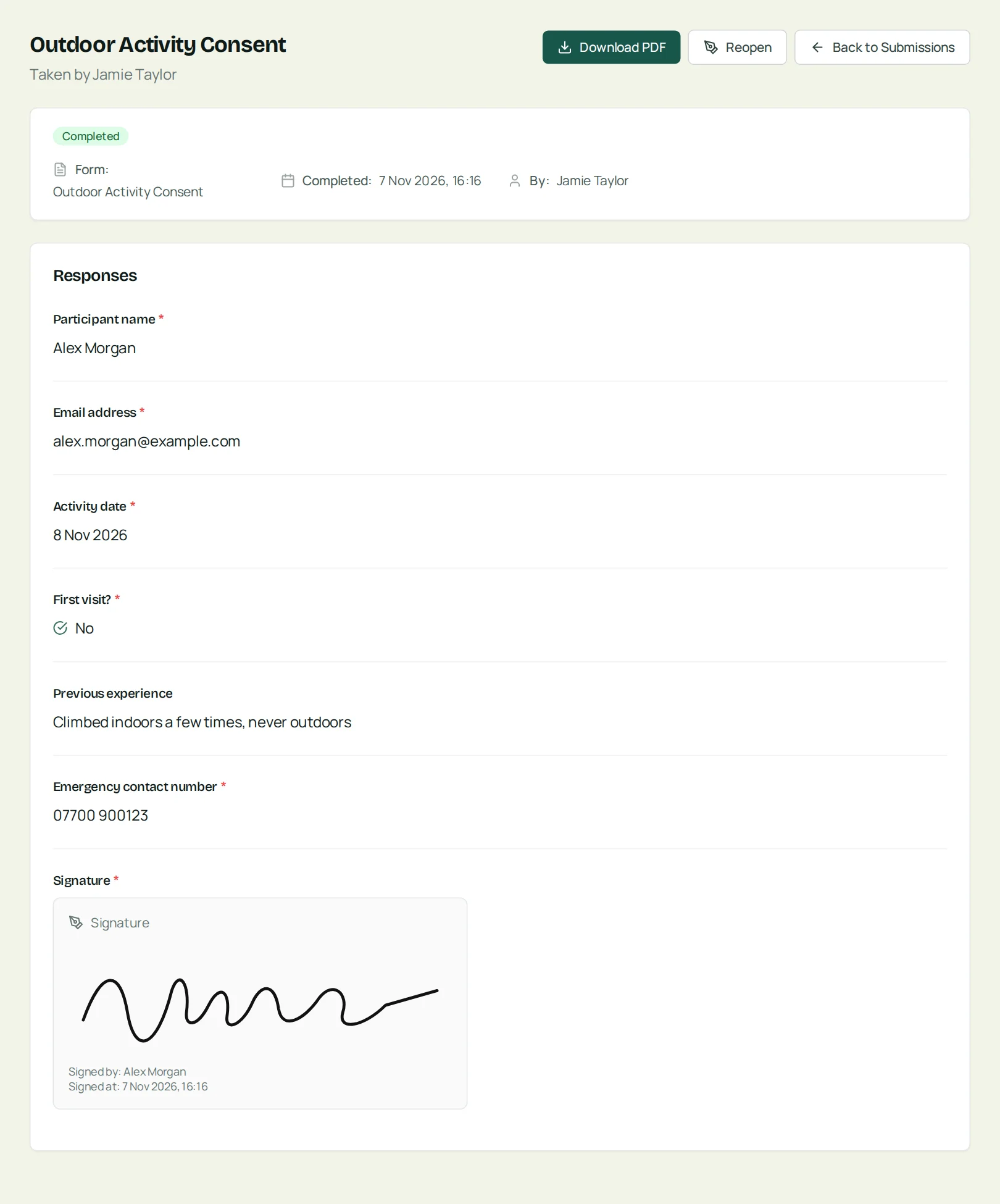
Switch emails on in a form’s settings
-
Turn on notifications
Open the form’s settings and switch on email notifications.
-
Choose who gets them
Enter the addresses to notify, or pick the email field to send to, and choose whether to attach a PDF.
-
Write your receipt
Add your own receipt subject and message if you want them.
-
Let signers ask for a copy
When someone ticks “Email me a copy” on the last page, their receipt is on its way.
Good to know before you switch emails on
- Offline waivers email as they uploadFor forms completed on an offline staff device, emails go once the whole submission, photos included, has reached the server.
- Emails never wait more than an hourIf photos are still uploading after an hour, the email goes without them.
- A plain default if you leave it blankLeave the receipt subject and message empty and a plain default is used.
Questions people ask
Something else? Ask us and we’ll reply within one working day, usually the same day.
Does every participant get a receipt?
Only those who tick the box asking for a copy, and only when the form has an email field for it to go to.
Can the notification go to the person who made the booking?
Yes. Point the notification at an email field on the form and it is sent to whatever address is entered there.
When are emails sent for waivers taken offline?
As soon as the submission syncs, the server sends every email by itself.
Support
Help from a UK team, whenever you need it
Ask from any screen in the app and we reply within one working day, usually the same day. Free plan included.
Switch without starting from scratch
Send us the paper, PDF or Word waiver you use now and we’ll set it up as a form for you, free.
Stop forwarding waivers by hand
Start free and let every form email your team and your signers for you.
Free for 25 waivers a month for as long as you like, with no card needed.